Training Videos
How-to Videos
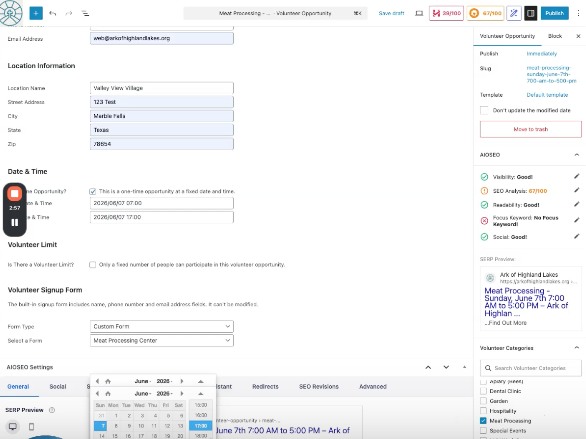
How-to add a Volunteer Opportunities
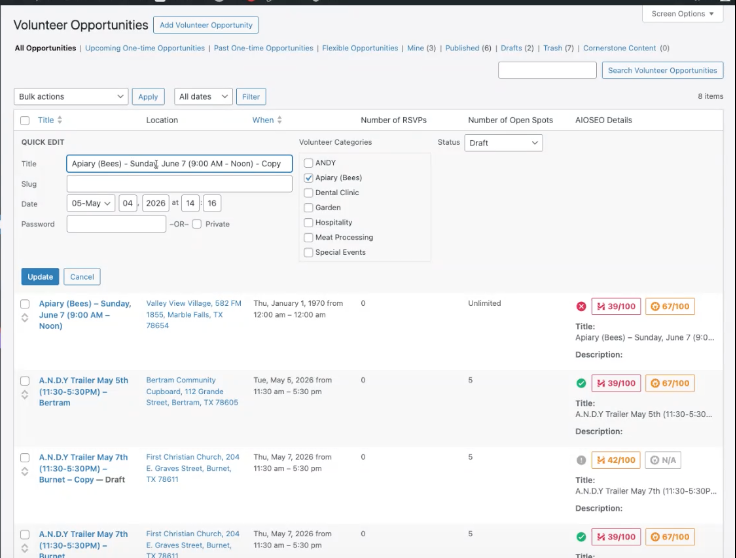
Duplicate a Volunteer Opportunity
How to set up a Volunteer Management opportunity in the system by duplicating an existing opportunity.
Start by logging into the website:
https://arkofhighlandlakes.com/wp-admin/
Add a NEW Volunteer Opportunity
How to set up a Volunteer Management opportunity in the system by duplicating an existing opportunity.
Start by logging into the website:
https://arkofhighlandlakes.com/wp-admin/
Expire a Volunteer Opportunity
How to expire a Volunteer Opportunity in the sidebar.
Scroll down the right side bar of the NEW Volunteer Opportunity to find the Expire panel.
How-to set-up an RSVP Event
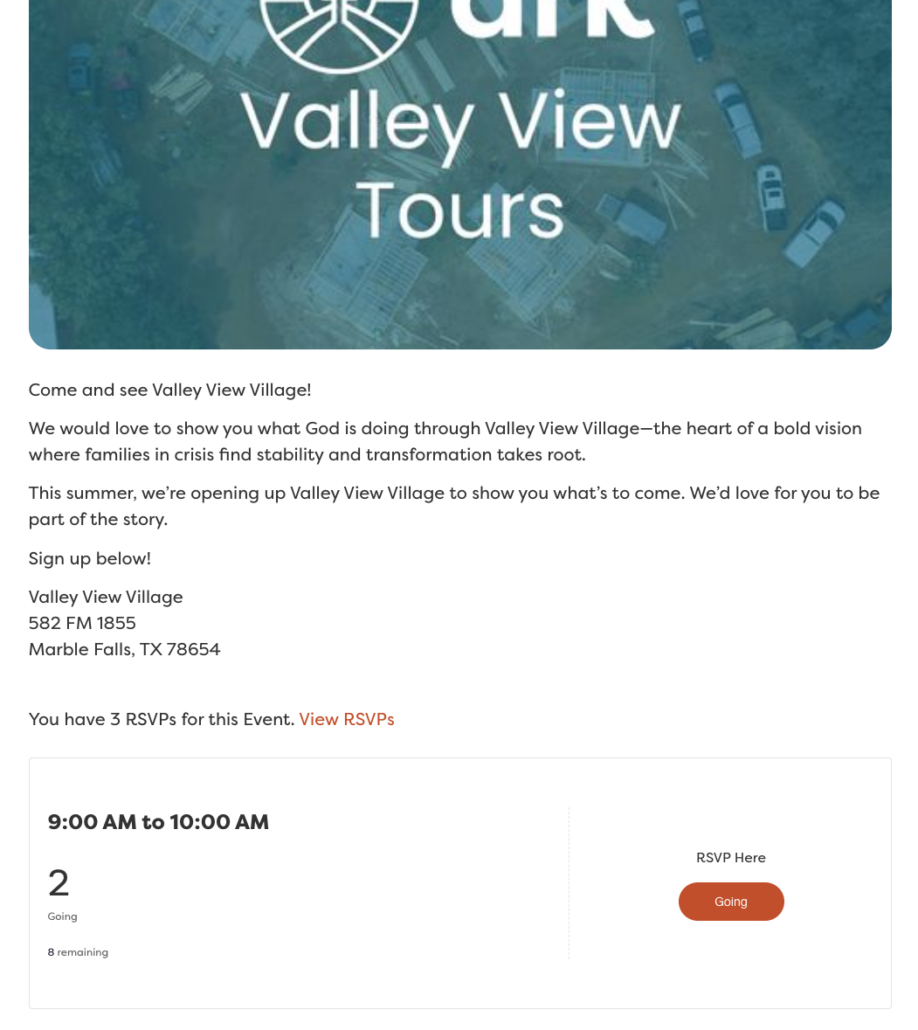
Add a new RSVP Event - Valley View Village Tours
How to edit an existing Valley View Tours RSVP event.
NOTE: There is a place to edit when the RSVP is shown AND the event date.
Start by logging into the website:
https://arkofhighlandlakes.com/wp-admin/
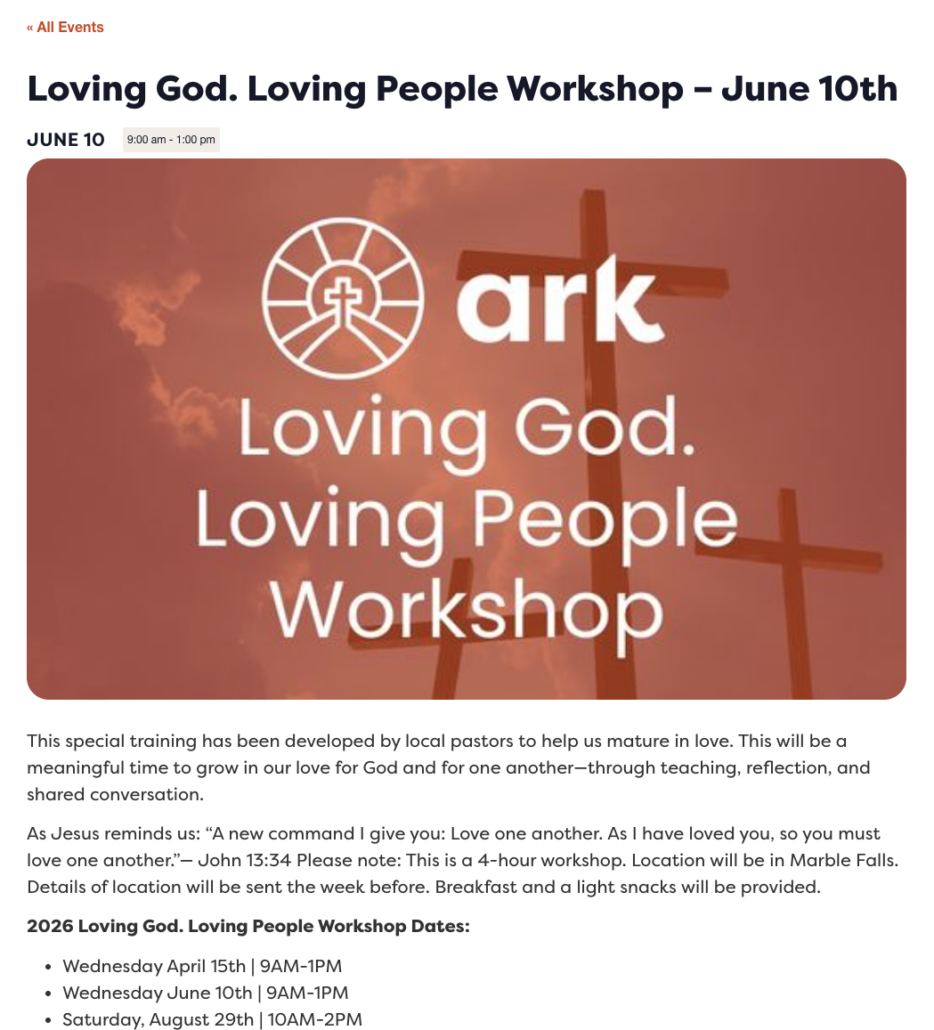
NEW - Add a new RSVP Event - Trainings/Learning Center/Workshops/Tours
How to duplicate and edit an existing Training RSVP event.
NOTE: There is a place to edit when the RSVP is available in the main section AND the event date is in the right side-bar.
Start by logging into the website:
https://arkofhighlandlakes.com/wp-admin/
NEW - RSVP Event - Categories/Slug Detail/Ticket (RSVP) Forms
Building on the training above – more Detail regarding RSVP Events. If we are adding different ministry events – let me know so I can create the NEW Event Category, build the form, and automation for the Admin notifications.
Screenshots of Ticket RSVP Forms


How-to Update Staff Page
Add Forms and links to the Internal Staff Page
NOTE: The best way to upload a PDF to the site is through Google Drive. Pro Tip – make sure the Share is set to ‘Anyone with the link’.
Start by logging into the website:
https://arkofhighlandlakes.com/wp-admin/