Training Videos

How-to Videos

How-to add a Volunteer Opportunities


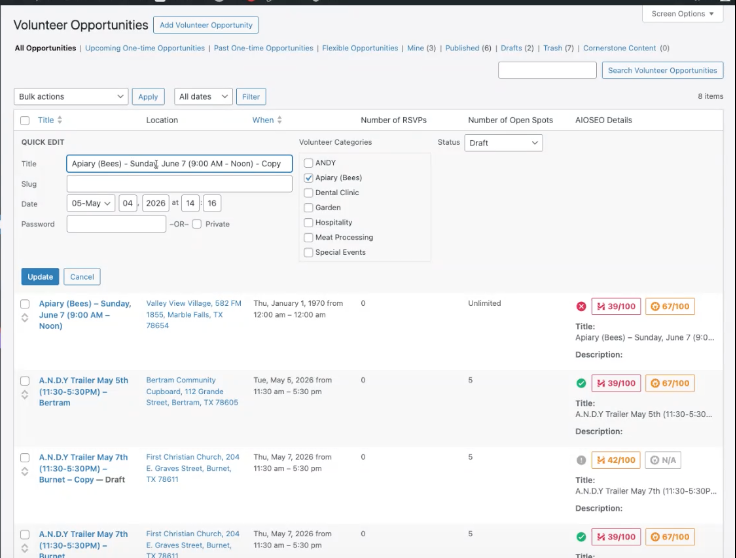
Screenshot of WordPress admin Volunteer Opportunities page with a left navigation menu, header 'Volunteer Opportunities', a Quick Edit panel, and a list of opportunities with statuses like Draft and RSVPs.

Duplicate a Volunteer Opportunity

How to set up a Volunteer Management opportunity in the system by duplicating an existing opportunity.

Start by logging into the website:
https://arkofhighlandlakes.com/wp-admin/


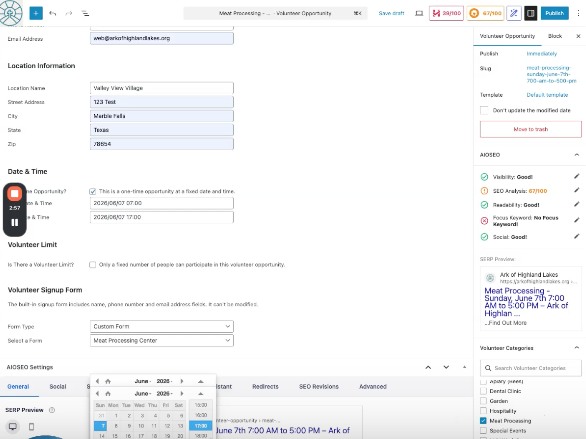
Web form titled Location Information for a volunteer opportunity, showing fields for location name, address, city, state, ZIP, and date/time, with a right-side panel labeled Volunteer Opportunity.

Add a NEW Volunteer Opportunity

How to set up a Volunteer Management opportunity in the system by duplicating an existing opportunity.

Start by logging into the website:
https://arkofhighlandlakes.com/wp-admin/

https://arkofhighlandlakes.org/wp-content/uploads/2026/06/Vol-Expire.mp4

Expire a Volunteer Opportunity

How to expire a Volunteer Opportunity in the sidebar.

Scroll down the right side bar of the NEW Volunteer Opportunity to find the Expire panel.

How-to set-up an RSVP Event


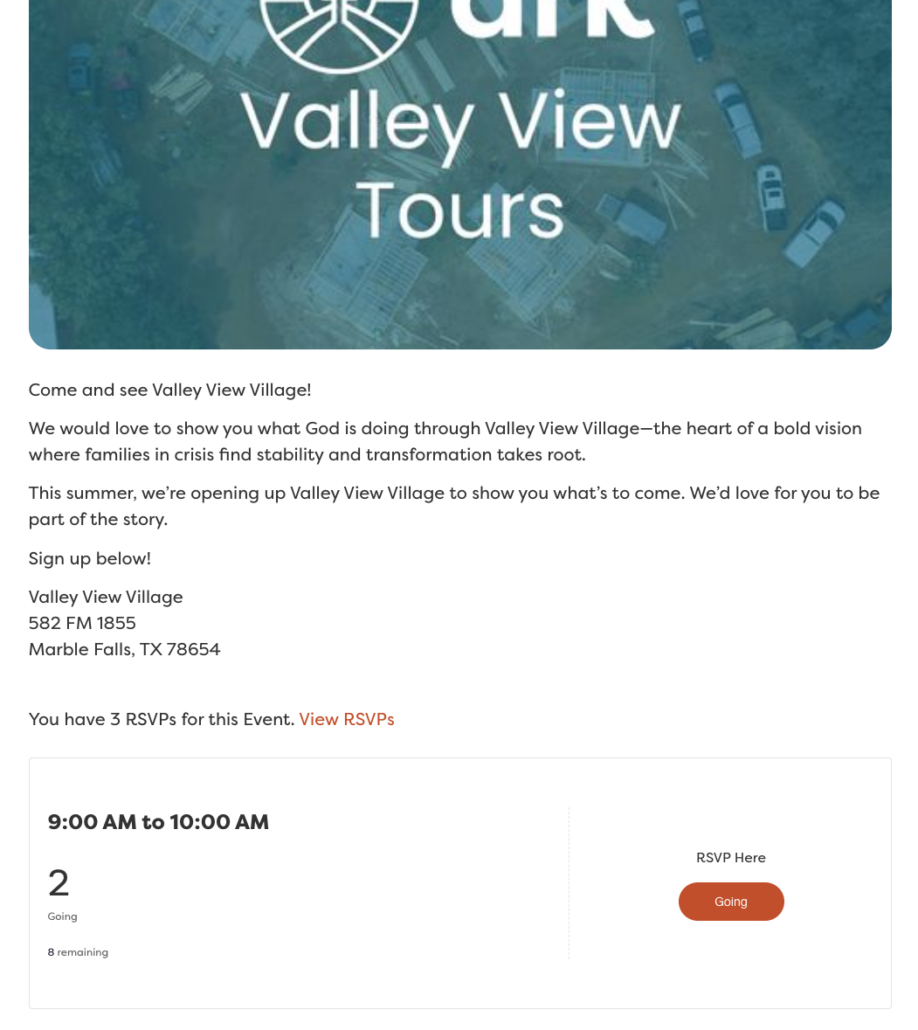
Promotional hero banner with Valley View Tours logo over an aerial site image, representing the event promo.

Add a new RSVP Event – Valley View Village Tours

How to edit an existing Valley View Tours RSVP event.
NOTE: There is a place to edit when the RSVP is shown AND the event date.

Start by logging into the website:
https://arkofhighlandlakes.com/wp-admin/


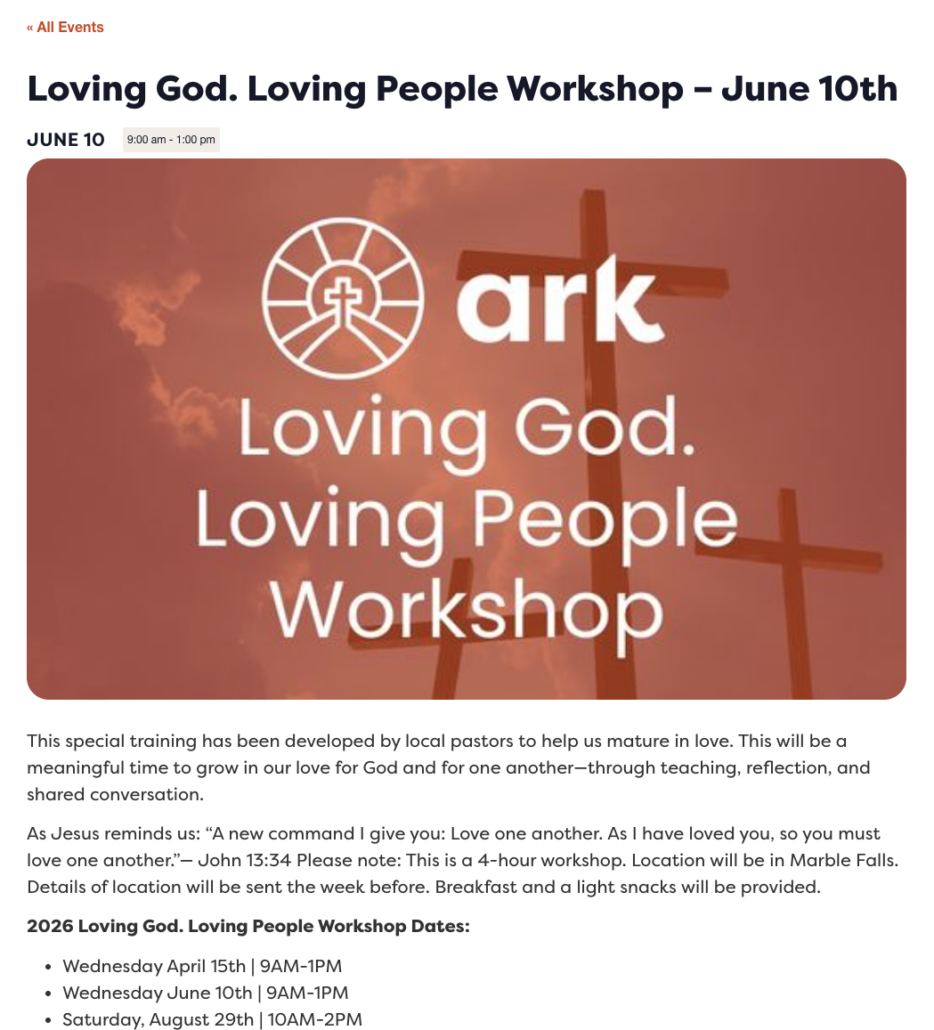
Event banner for the 'Loving God. Loving People Workshop' with an ark logo and cross silhouettes against an orange sunset background, June 10th.

NEW – Add a new RSVP Event – Trainings/Learning Center/Workshops/Tours

How to duplicate and edit an existing Training RSVP event.
NOTE: There is a place to edit when the RSVP is available in the main section AND the event date is in the right side-bar.

Start by logging into the website:
https://arkofhighlandlakes.com/wp-admin/


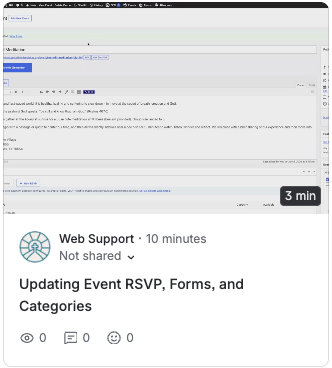
Screenshot of a Web Support forum post titled 'Updating Event RSVP, Forms, and Categories' by Web Support (10 minutes ago), with reaction icons beneath.

NEW – RSVP Event – Categories/Slug Detail/Ticket (RSVP) Forms

Building on the training above – more Detail regarding RSVP Events. If we are adding different ministry events – let me know so I can create the NEW Event Category, build the form, and automation for the Admin notifications.

Screenshots of Ticket RSVP Forms

WordPress admin: editing an RSVP ticket named 'Bee Still Meditation' with fields for name, description, dates, capacity, and attendee info on the Tickets page.
WordPress admin RSVP edit form with fields for name, description, sale dates, capacity, and attendee information
Screenshot of an active fields editor showing Telephone, City, Church-home radio, Name of Church text fields and a Save checkbox option.


How-to Update Staff Page


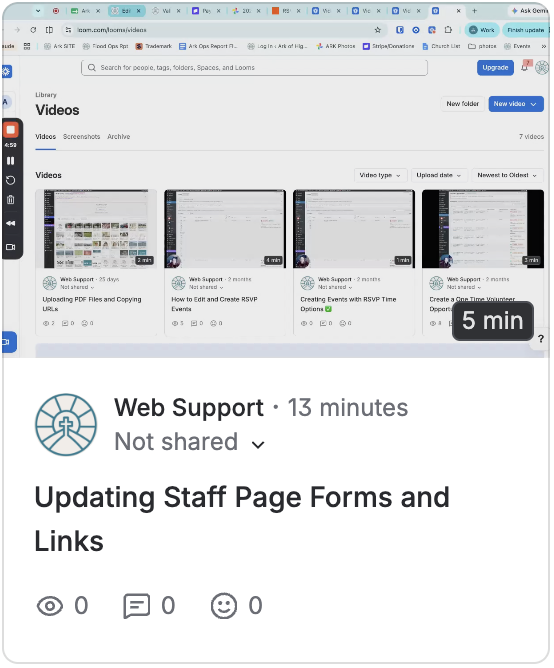
Screenshot of Web Support videos page with thumbnails and a post titled 'Updating Staff Page Forms and Links'.

NEW – Updating the Staff Communications Page

Add Forms and links to the Internal Staff Page
NOTE: The best way to upload a PDF to the site is through Google Drive. Pro Tip – make sure the Share is set to ‘Anyone with the link’.  

Start by logging into the website:
https://arkofhighlandlakes.com/wp-admin/

Smiling woman in a colorful zigzag patterned top standing beside a tree in a park.

Laura Estes

Director of Operations